We built Kaushal AI for multilingual video learning
One source video becomes watch-ready lessons in Hindi, Marathi and English through an AI dubbing pipeline powered by Sarvam.
The technology behind it
- React NativeMobile experience
- TypeScriptApplication logic
- Node.jsBackend services
 Sarvam AISpeech & translation
- FFmpegVideo processing
The idea
Good lessons.
More languages.
A lesson shouldn’t stop at the language it was recorded in.
We built Kaushal AI to bring multilingual video learning into one mobile app. Learners discover courses and watch lessons, while an AI dubbing pipeline turns a single source video into Hindi, Marathi and English.
Explore the AI pipeline- The product
- A mobile learning platform
- Our scope
- Mobile app, backend & AI integration
- Built for
- Learners and course administrators
01 / Discover
A clear path to
the next lesson.
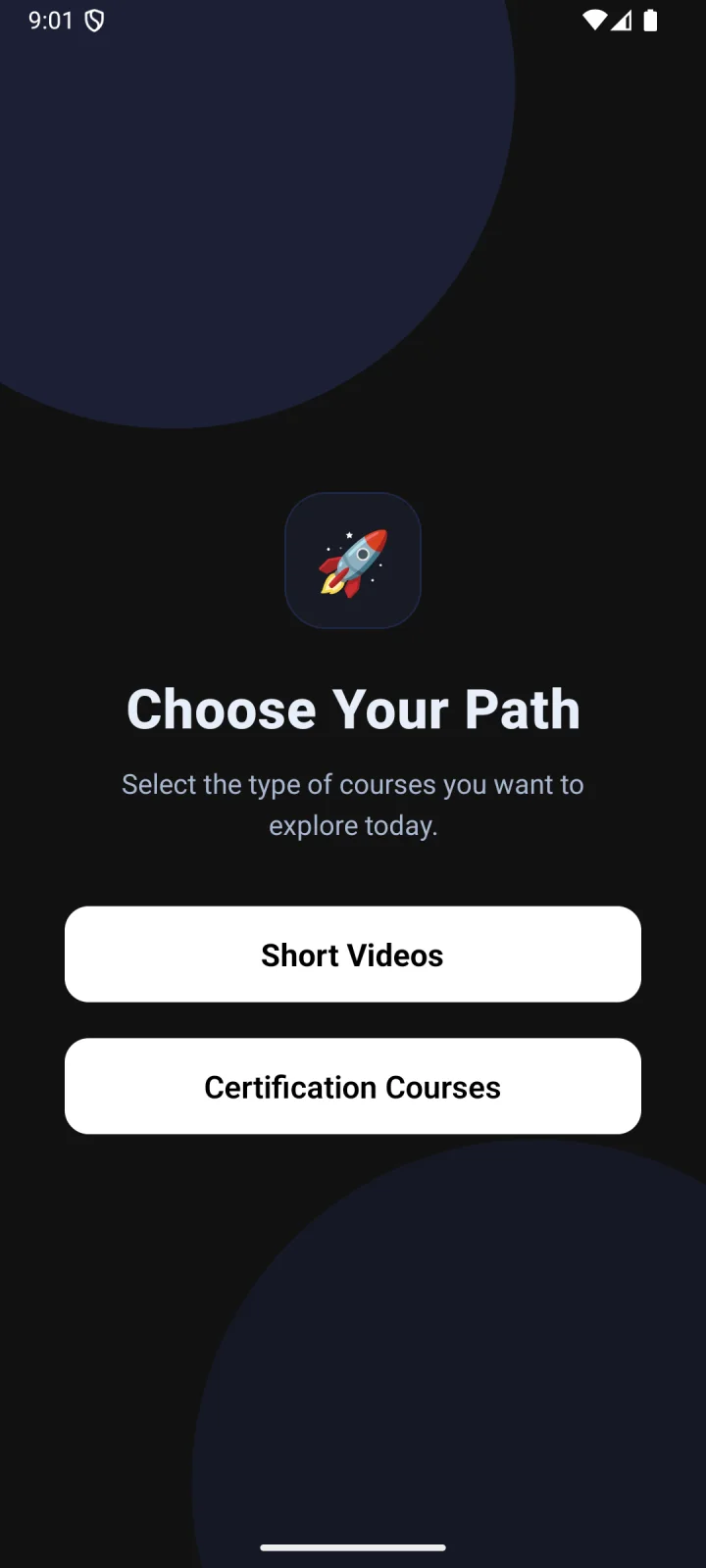
Start with a format. Find a topic. Get into a lesson. Discovery keeps the choices simple, whether a learner wants a short video or a certification course.
- Short videos and certification courses
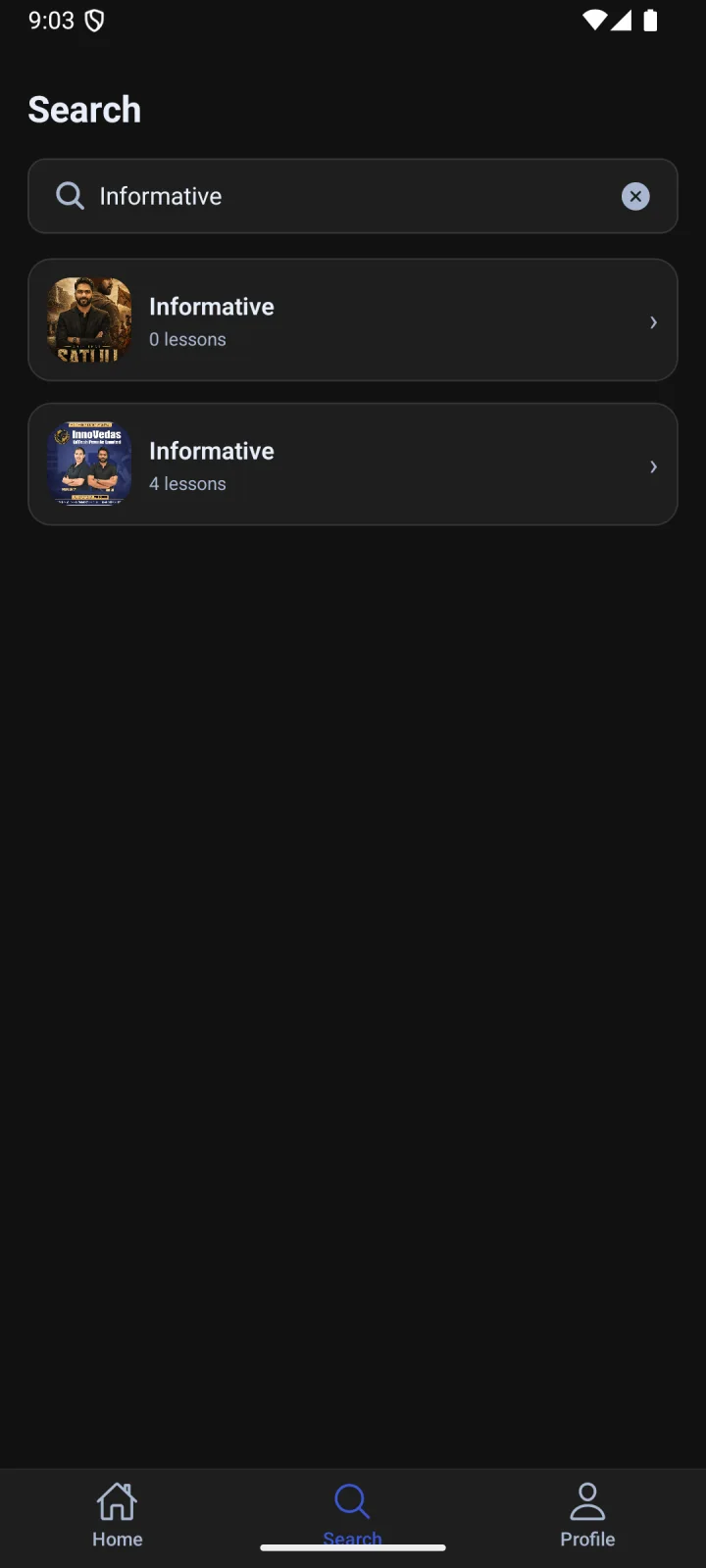
- Topic browsing and course search
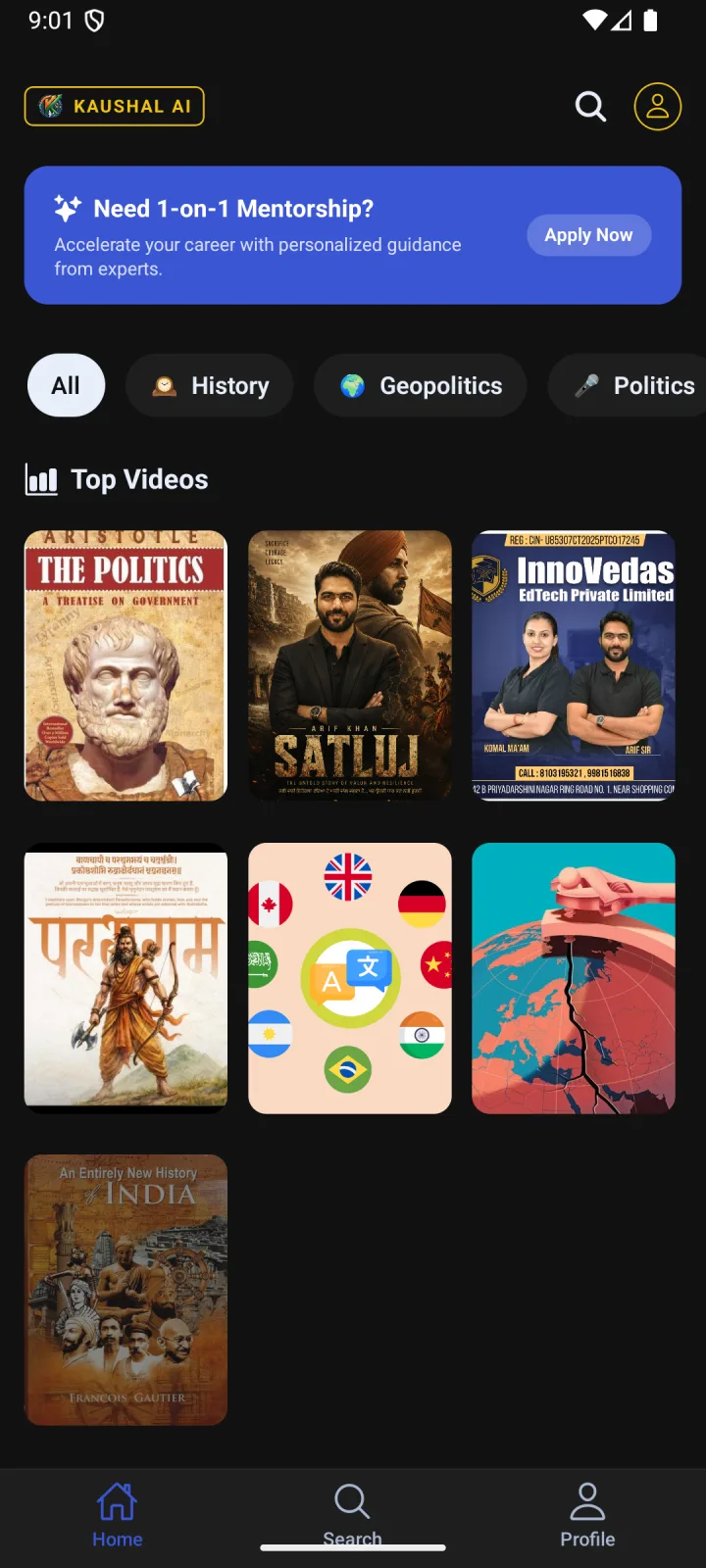
- A home screen built around Top Videos
02 / Localise
One upload.
Three ways to understand.
Powered by Sarvam’s speech and translation tools, with FFmpeg bringing the audio and video together.
- 01
Transcribe
Turn the source audio into a transcript.
Sarvam · Speech to text - 02
Translate
Adapt the transcript for each language.
Sarvam · Translation - 03
Give it a voice
Generate the spoken lesson from the translated text.
Sarvam · Text to speech - 04
Bring it together
Merge the new audio with the original video.
FFmpeg · Audio + video
- हिन्दीHindi
- मराठीMarathi
- EnglishEnglish
03 / Learn
From finding a course
to making it your own.
Clear chapters, immersive playback and a personal profile connect the everyday moments of learning.
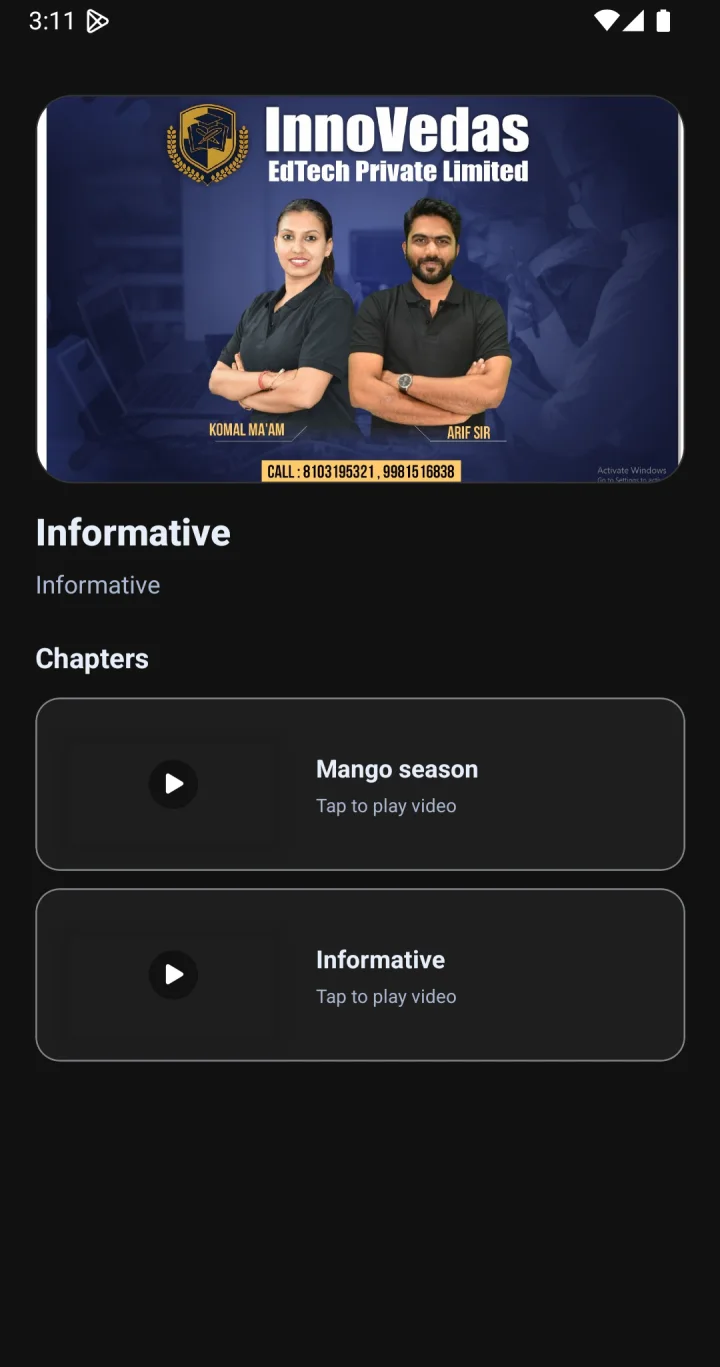
Know what’s next.
A clear chapter list gives each course its structure.

Stay with the lesson.
An immersive player puts the video front and centre.
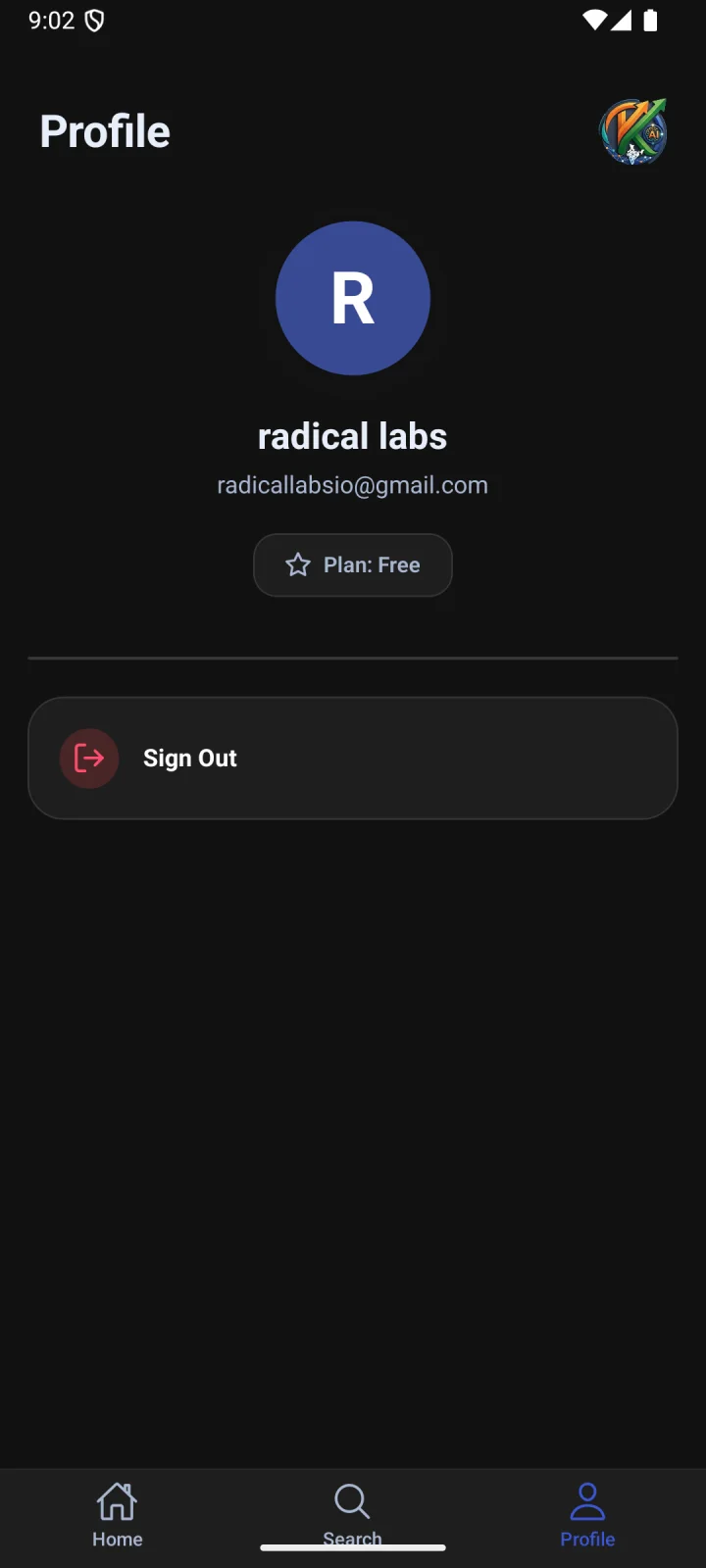
A space of your own.
A simple profile keeps account settings close at hand.
04 / Manage
Built for the people
behind the courses.
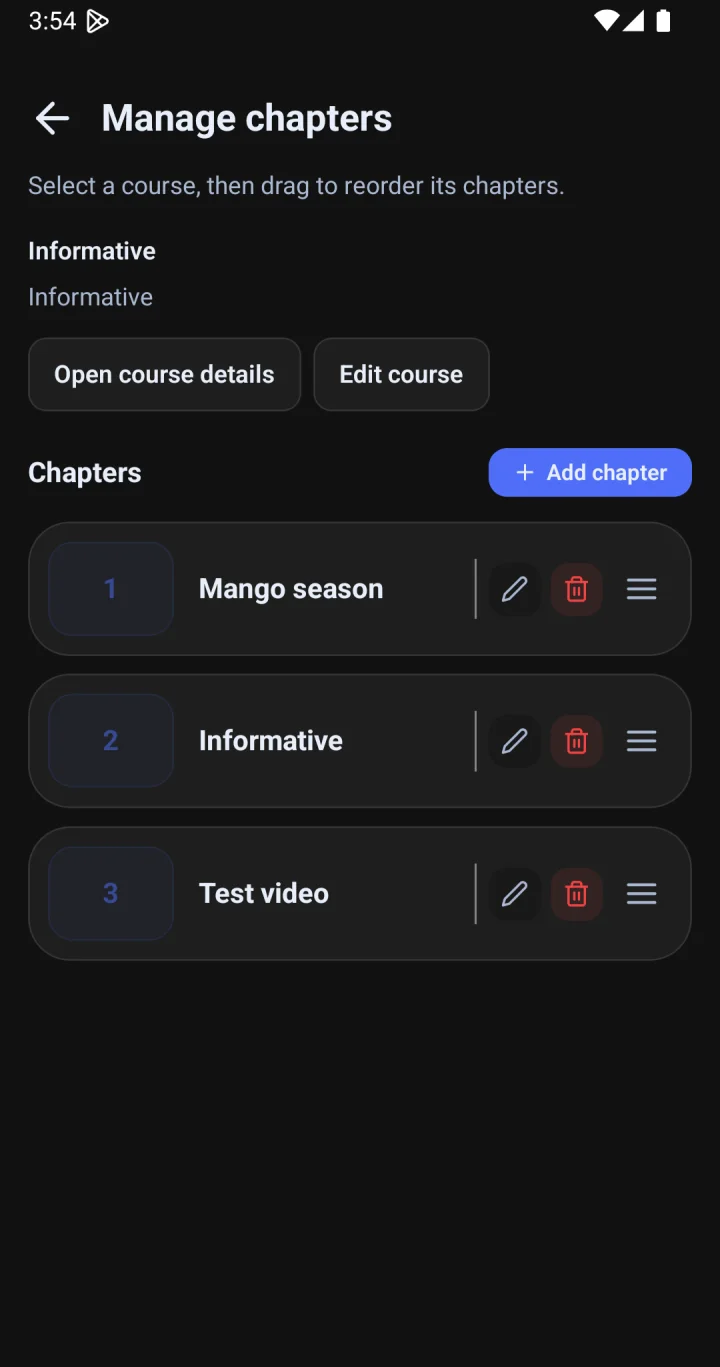
The learning experience starts with the people managing it. A dedicated admin desk keeps courses and chapters organised in one place.
Manage the course
Open course details and edit course information.
Shape each chapter
Add, edit or remove chapters as the content evolves.
Set the right order
Drag chapters into the sequence learners should follow.
Keep exploring
More work, same care.
Your next idea
Let’s build something
people come back to.
Talk to Radical Labs Start with a 30-minute conversation.